TiltMaze
Tilt your phone. Roll the ball. Escape 225 mazes.
 App Store: Coming soon
 Google Play: Coming soon
Screenshots
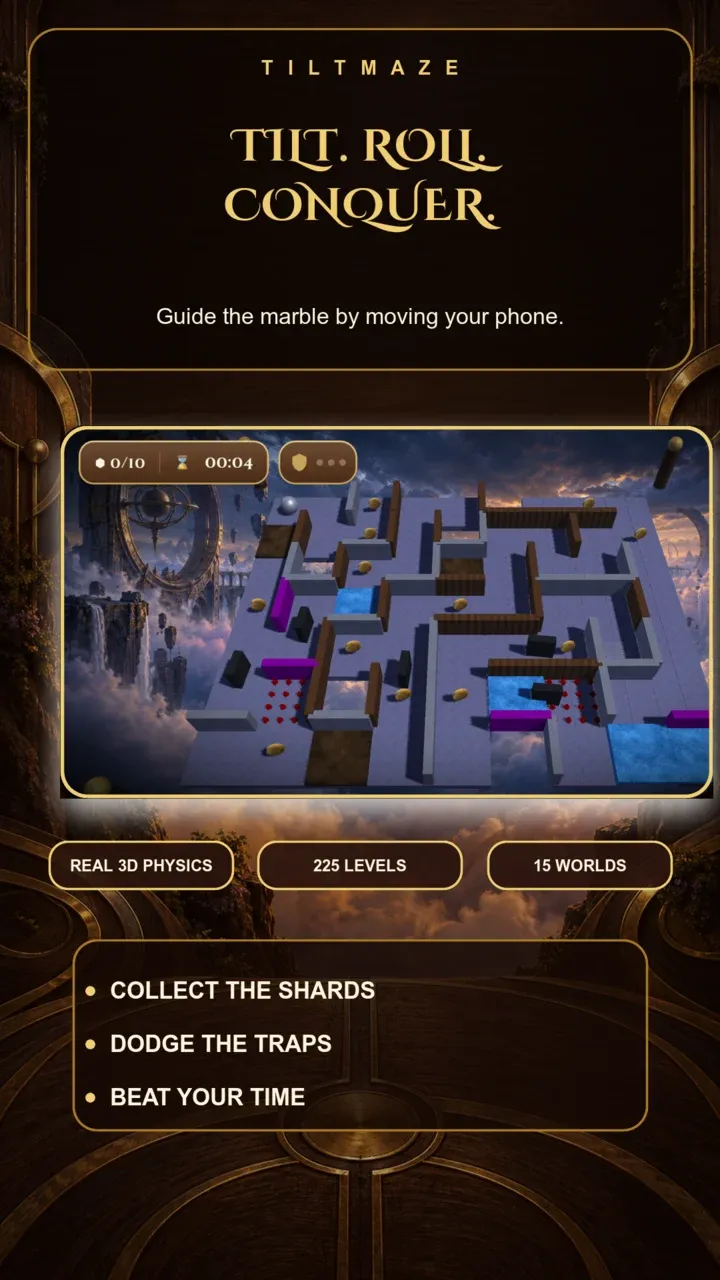


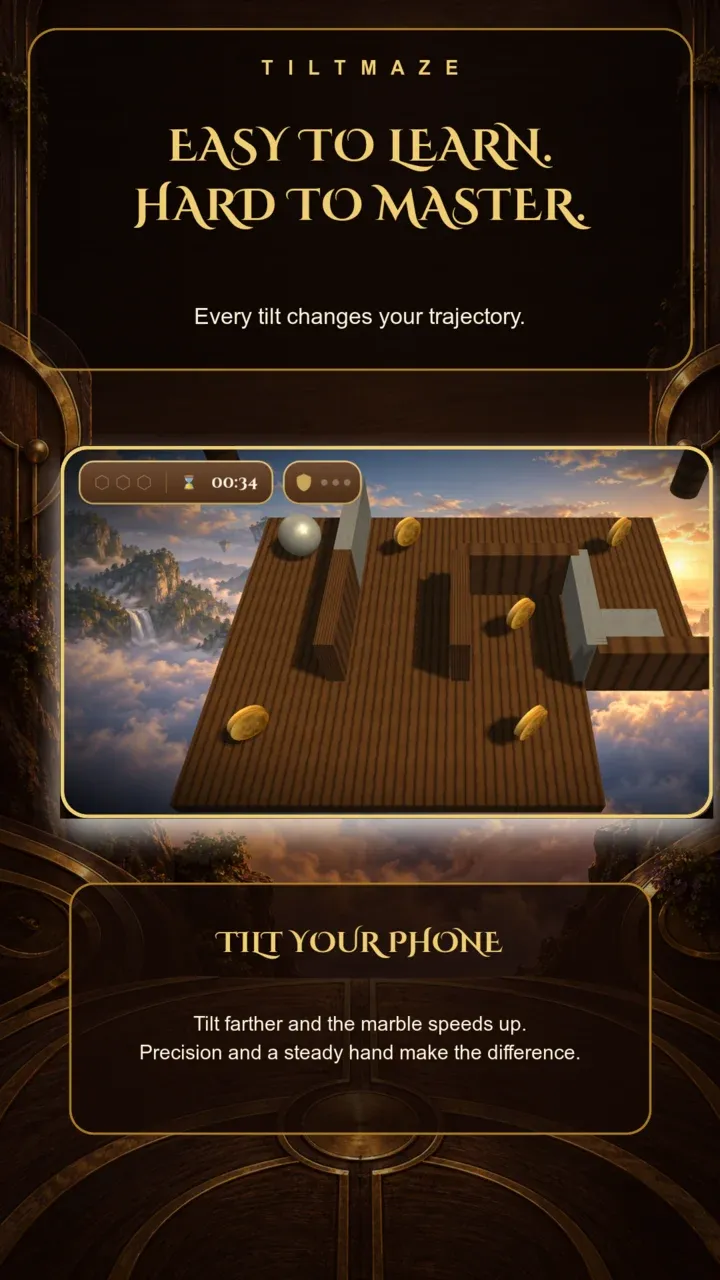
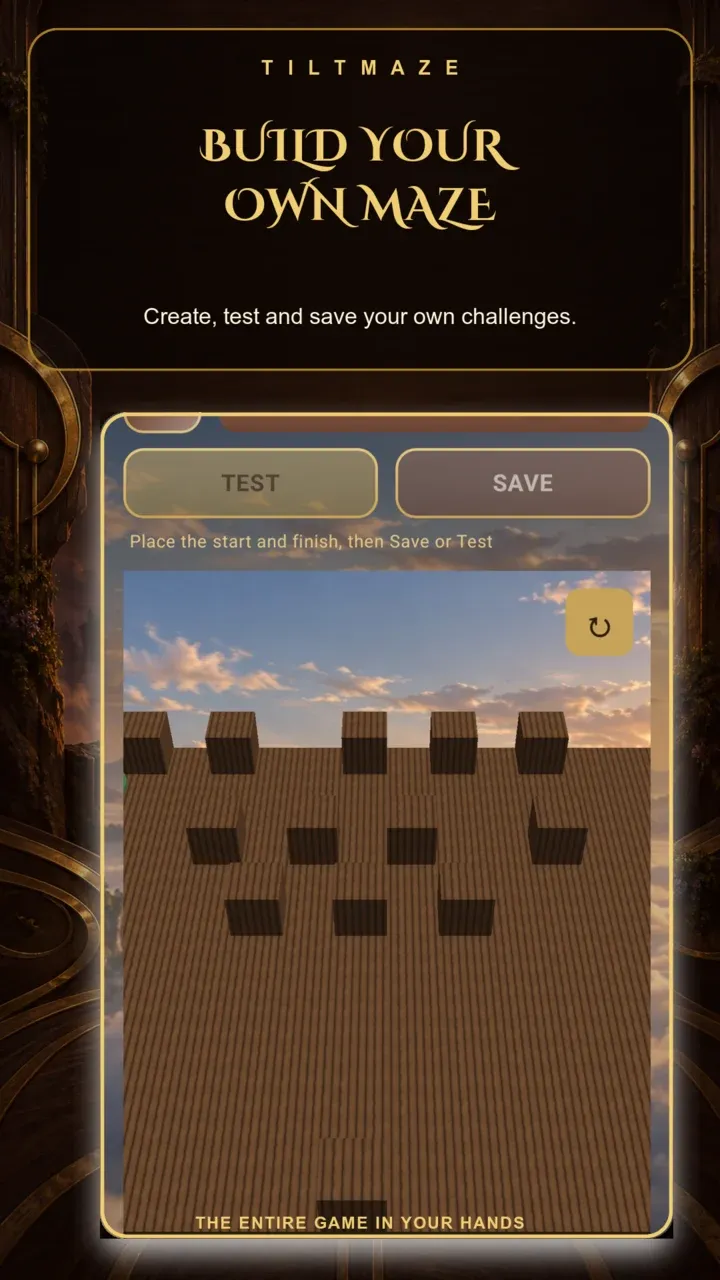
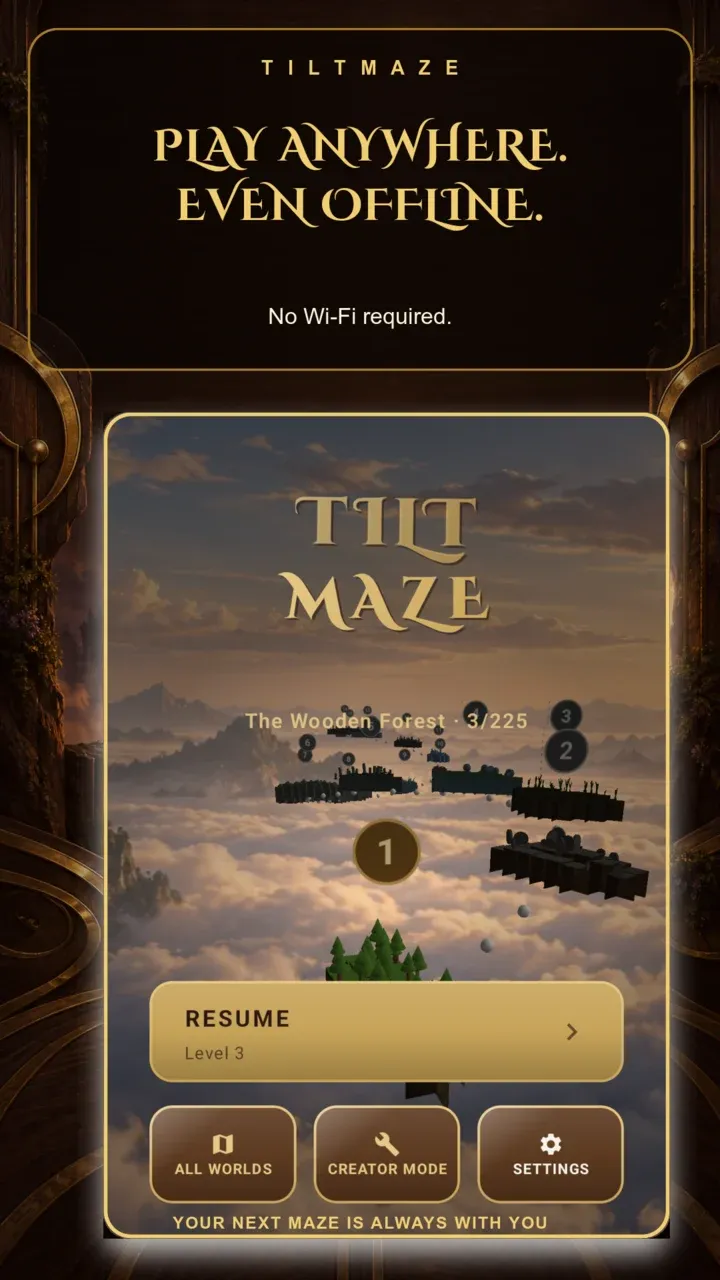
Scroll sideways to see more screenshots
TiltMaze is a physics-based labyrinth puzzle game: tilt your device to roll a steel ball through 15 worlds of increasingly devious mazes, from the creaking boards of The Wooden Forest to the clockwork traps of The Last Mechanism.
Collect the glowing fragments to open the exit hatch, avoid the dark holes and don't roll off the edge. Easy to pick up, hard to master.
Highlights
- Genuine physics: every roll, bounce and fall is simulated
- 225 levels across 15 themed worlds, each with its own sky and mood
- Springs, mud, wind, magnets, conveyor belts, ice and shifting walls
- 3D graphics with real-time shadows
- Up to 5 stars per level based on your time
- Built-in level editor to build and play your own mazes
- Google Play Games leaderboard
- Plays completely offline, in 12 languages
Frequently asked questions
The ball doesn't respond well to tilting.
Every run starts with an automatic calibration: hold the device flat and still for the first second. In Settings you can recalibrate the gyroscope and adjust tilt sensitivity: lower it if the ball feels twitchy, raise it if you have to tilt too far.
How do I unlock the next world?
Each level awards up to 5 stars based on your time. To open the next world you need a 2.5 star average across the 15 levels of the current one: finishing them isn't enough, you have to improve your times.
Do I have to collect every fragment?
No. The exit opens once you have the required number, shown at the top (for example 3 / 5). Extra fragments raise your score.
I lost my progress or switched devices.
Progress is stored on the device: reinstalling the app or moving to a new phone resets stars and records unless they are restored from an Android backup. To start over on purpose use Settings > Reset Progress (cannot be undone).
Does the app show ads?
Yes: a banner and an optional rewarded video. No account is needed, and with no network ads simply don't appear. Ad preferences are under Settings > Privacy Options.